
The 7 Best Epson EcoTank Printers of 2026

Our Best Picks

Based on 1.4K+ reviews

Why We Chose This Product:

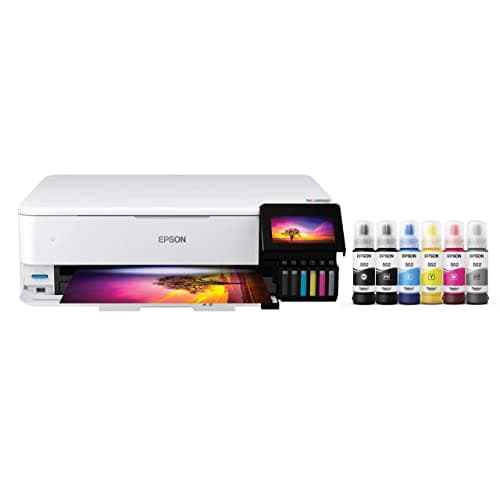
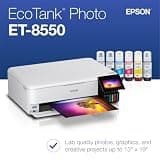
The ET-8550 stands out for its exceptional photo printing capabilities using a dedicated 6-color system. Its unmatched photo quality combined with the long-term ink savings of the EcoTank platform makes it the definitive premium choice.

Who Is It For:

Photographers, crafters, and graphic designers who require lab-quality photos and versatile media handling. Ideal for those who regularly print on larger formats or specialty media.

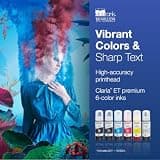
Exceptional 6-color Claria ET premium ink

Supports wide-format printing up to 13x19 inches

Higher initial investment

Tech specs:

Function
Print, Scan, Copy
Duplex
Automatic Print
ADF
None
Connectivity
Wi-Fi, Ethernet, USB
How do we rank?

What guides our picks – 3 key things behind every product we choose:

Based on 1.2K+ reviews

Why We Chose This Product:

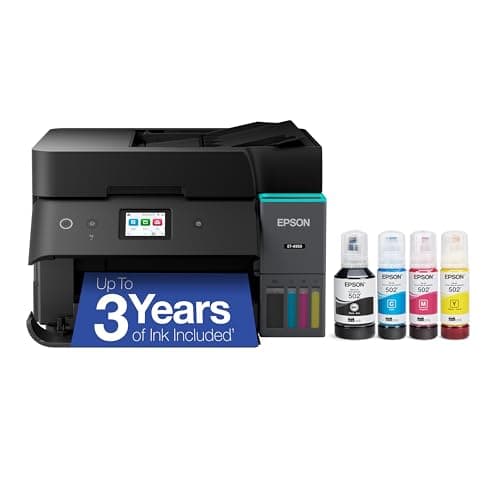
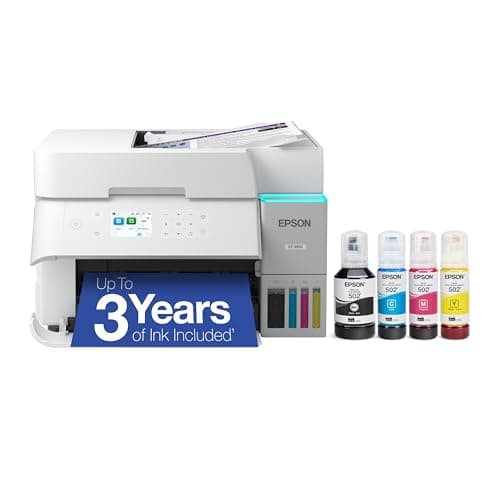
Offering a complete suite of office functions, the ET-4950 excels by providing both duplex printing and duplex scanning. This balanced feature set makes it highly practical for handling demanding administrative workflows efficiently.

Who Is It For:

Small office professionals and busy households requiring efficient multi-page document handling. Perfect for those who routinely need to scan or copy large stacks of double-sided papers.

Includes automatic duplex scanning

Comprehensive 30-sheet Automatic Document Feeder

May be overkill for basic household needs

Tech specs:

Function
Print, Scan, Copy, Fax
Duplex
Automatic Print/Scan
ADF
30-sheet Capacity
Connectivity
Wi-Fi, Ethernet
Based on 1.1K+ reviews

Why We Chose This Product:

The ET-3950 mirrors the best features of higher-end models, delivering fast print speeds and automatic double-sided scanning at a more accessible price. It remains a robust and eco-friendly workhorse for daily document management.

Who Is It For:

Remote workers and home office users with high-volume printing and scanning requirements. It perfectly serves those who want comprehensive scanning features but do not rely on traditional faxing.

Fast simplex print speeds

Large 250-sheet paper tray capacity

Does not include fax capabilities

Tech specs:

Function
Print, Scan, Copy
Duplex
Automatic Print/Scan
ADF
30-sheet Capacity
Connectivity
Wi-Fi, Ethernet
Based on 1.7K+ reviews

Why We Chose This Product:

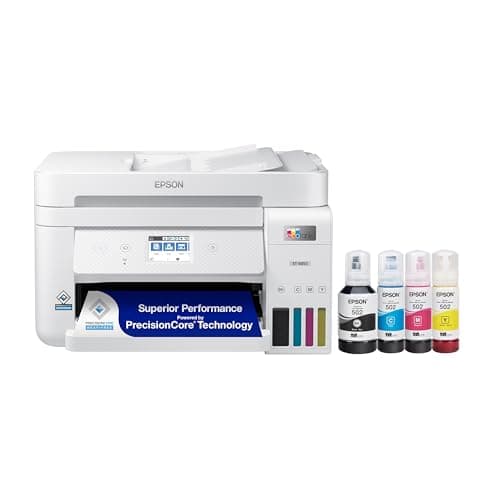
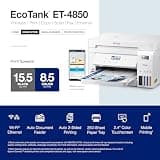
Balancing comprehensive features with dependable performance, the ET-4850 handles all basic office tasks with ease. It successfully provides essential conveniences like an ADF and faxing while keeping long-term expenses ultra-low.

Who Is It For:

Home business operators who need a full suite of traditional office functions in a compact footprint. An excellent fit for environments where receiving or sending faxes is still a requirement.

Comprehensive inclusion of fax capabilities

Reliable performance for office tasks

Lacks automatic duplex scanning

Tech specs:

Function
Print, Scan, Copy, Fax
Duplex
Automatic Print
ADF
30-sheet Capacity
Connectivity
Wi-Fi, Ethernet
Based on 2K+ reviews

Why We Chose This Product:

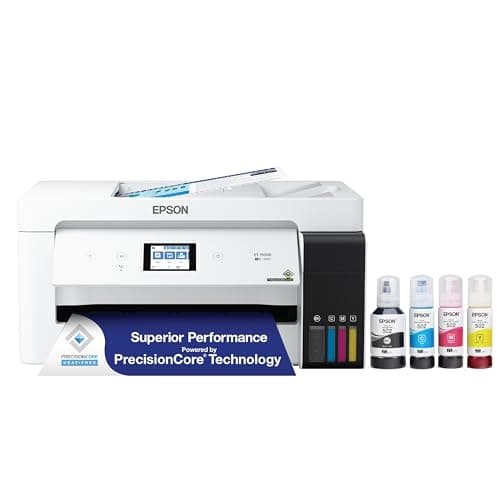
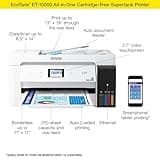
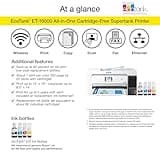
The ET-15000 occupies a unique and highly practical niche by offering 13x19-inch printing alongside standard all-in-one capabilities. This versatility combined with inexpensive tank refills gives it a dominant value proposition for wide formats.

Who Is It For:

Small businesses or creative professionals who occasionally require oversized prints like spreadsheets, posters, or architectural drawings. Fits users who need both standard office features and large-format versatility.

Supports prints up to 13x19 inches

Rear specialty paper feed for versatility

Standard photo quality trails behind premium models

Tech specs:

Function
Print, Scan, Copy, Fax
Duplex
Automatic Print
ADF
35-sheet Capacity
Connectivity
Wi-Fi, Ethernet
Based on 1.3K+ reviews

Why We Chose This Product:

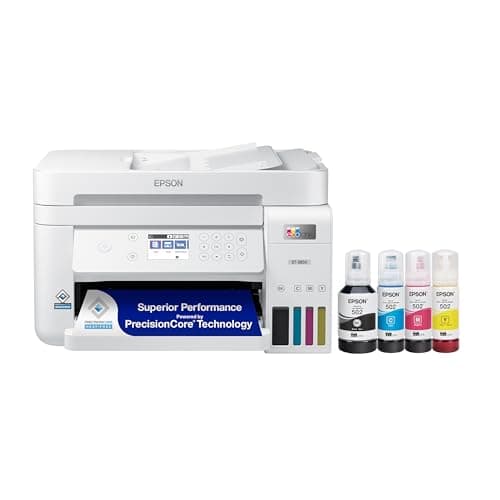
Providing a clear productivity upgrade over entry-level units, the ET-3850 includes an ADF and Ethernet for a more stable network experience. It is a highly economical and practical middle-ground option for reliable daily use.

Who Is It For:

Users operating in stable home workspaces who frequently process multi-page documents. It is suited for everyday productivity tasks that do not rely on double-sided scanning or faxing.

Significant upgrade for productivity

Ethernet connectivity ensures stable networking

Excludes fax functionality

Tech specs:

Function
Print, Scan, Copy
Duplex
Automatic Print
ADF
30-sheet Capacity
Connectivity
Wi-Fi, Ethernet
Based on 1.9K+ reviews

Why We Chose This Product:

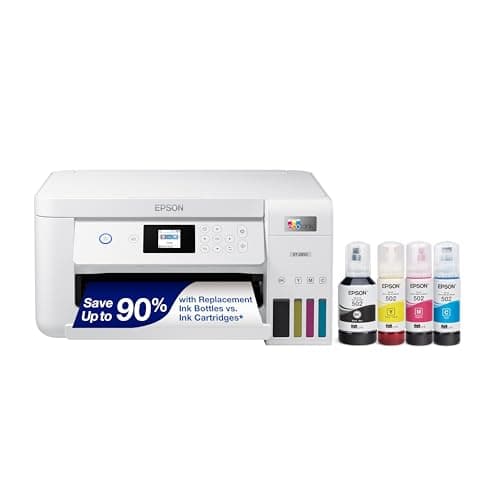
The ET-2850 remains incredibly popular by offering the convenience of automatic 2-sided printing without the premium price tag of office models. It effortlessly manages standard home printing requirements while preserving EcoTank efficiency.

Who Is It For:

Families and students handling routine printing tasks who want to automatically save paper. Great for general household users looking for an economical wireless printer with duplexing.

Features automatic 2-sided printing

Consistently low document printing costs

Lacks an Automatic Document Feeder

Tech specs:

Function
Print, Scan, Copy
Duplex
Automatic Print
ADF
None
Connectivity
Wi-Fi

Essential Tips For Choosing The Right epson ecotank printer

What to Look For

Before choosing a printer, define your primary use case. If you primarily handle text documents, standard all-in-one functionality is sufficient. If you require lab-quality photos, look for models with dedicated multi-color photo ink systems.

Understanding Ink Economics

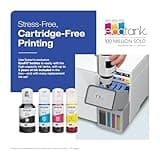
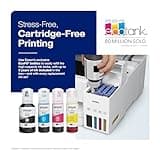
EcoTank printers replace standard cartridges with large ink reservoirs. While they require a higher initial investment, the dramatically reduced cost per page makes them highly economical for users who print frequently.

Best epson ecotank printer

Key Specifications Explained

Automatic Document Feeders (ADFs) and automatic duplex printing are essential for handling multi-page documents efficiently. Pay attention to whether a model offers duplex scanning as well, which is distinct from simple duplex printing.

Connectivity Needs

Ensure the printer supports your preferred setup. Most modern models offer Wi-Fi for wireless printing from devices, while premium office-oriented models include Ethernet for more stable network environments.

FAQs

More products you might love